
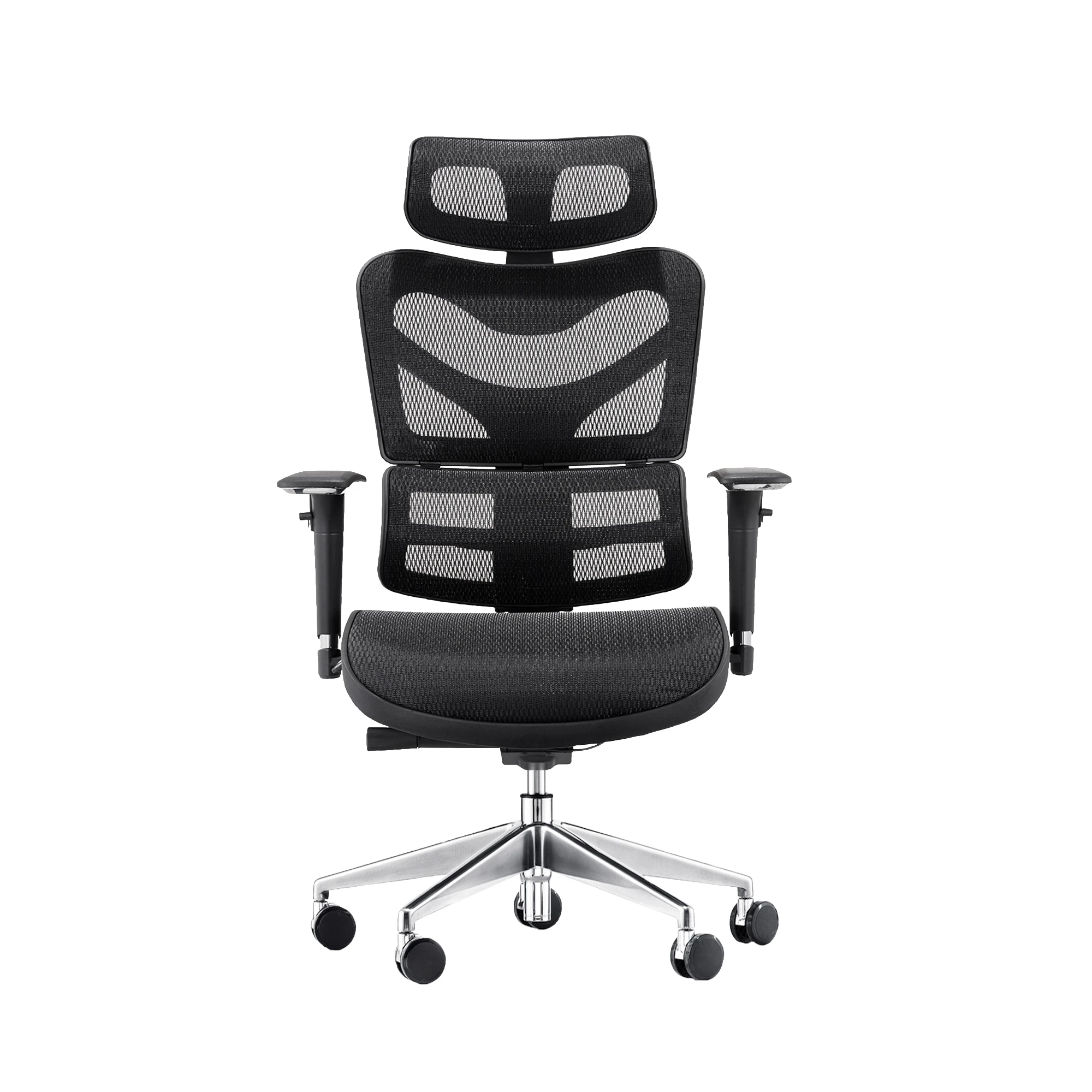
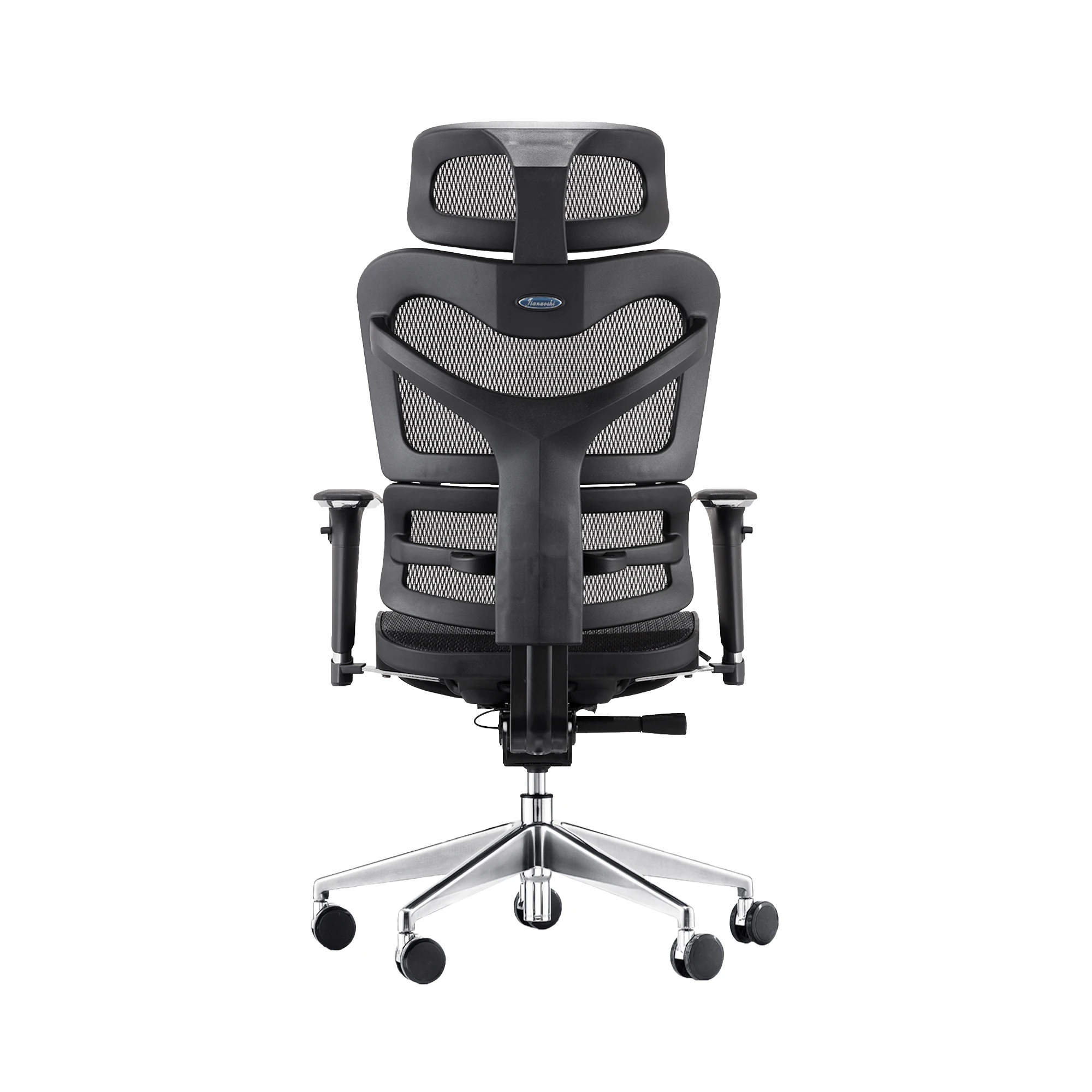
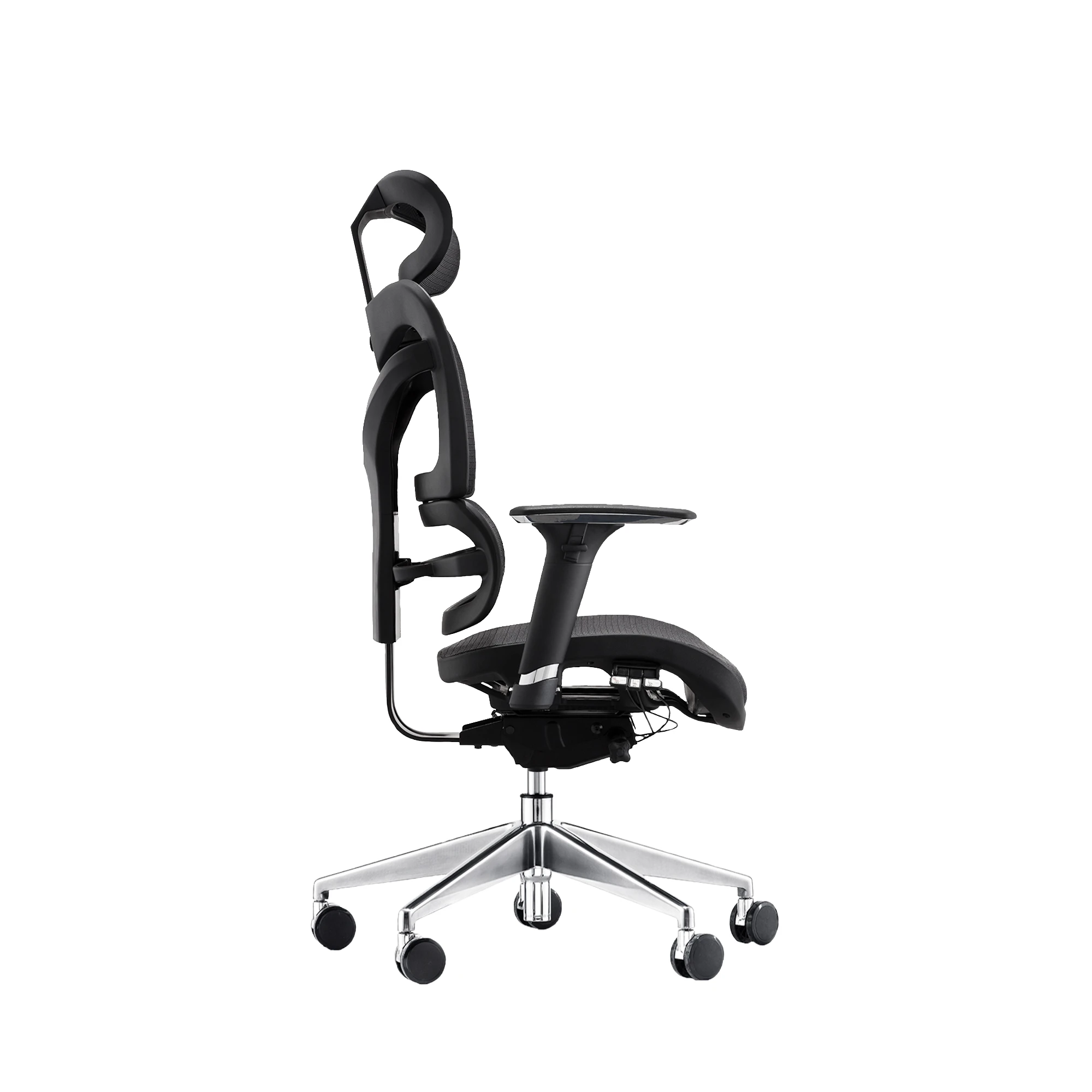
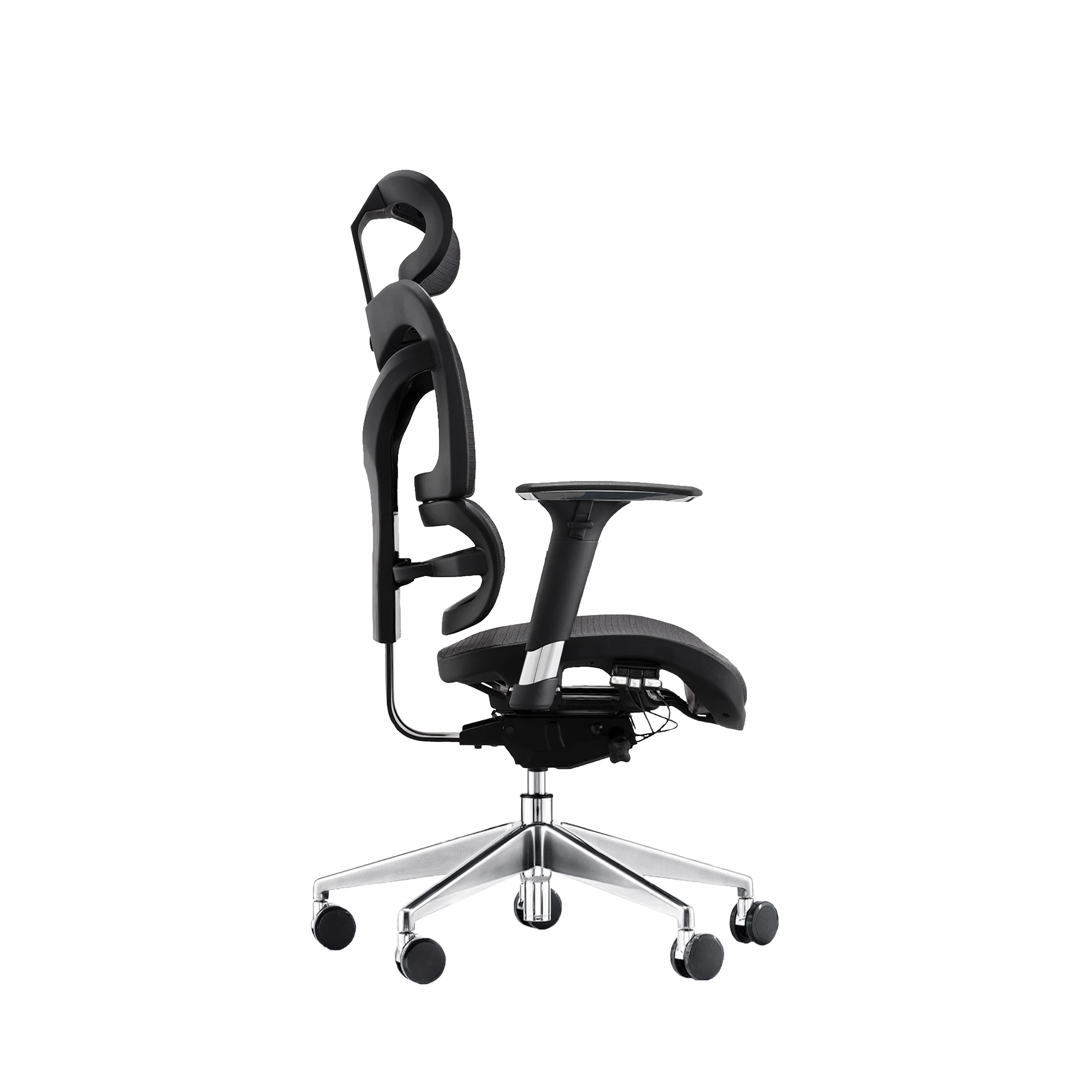
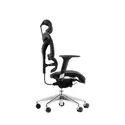
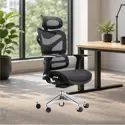
Dorsum - Executive Ergonomic Mesh Chair
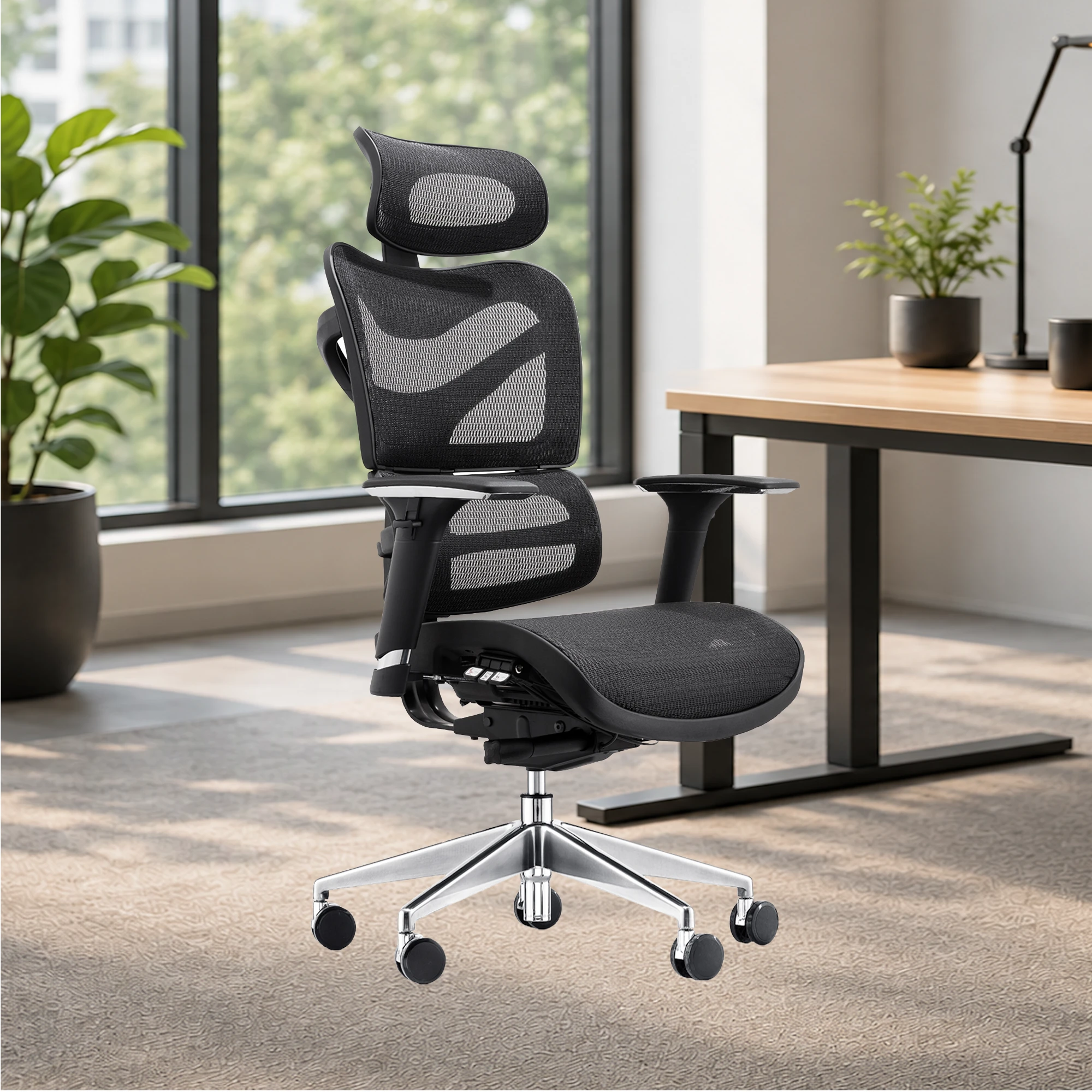
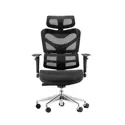
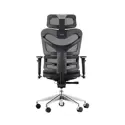
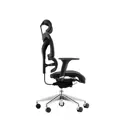
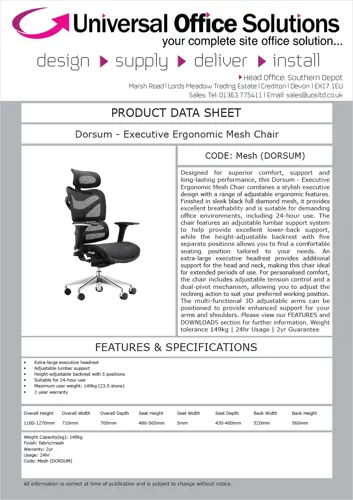
Designed for superior comfort, support and long-lasting performance, this Dorsum - Executive Ergonomic Mesh Chair combines a stylish executive design with a range of adjustable ergonomic features. Finished in sleek black full diamond mesh, it provides excellent breathability and is suitable for demanding office environments, including 24-hour use. The chair features an adjustable lumbar support system to help provide excellent lower-back support, while the height-adjustable backrest with five separate positions allows you to find a comfortable seating position tailored to your needs. An extra-large executive headrest provides additional support for the head and neck, making this chair ideal for extended periods of use. For personalised comfort, the chair includes adjustable tension control and a dual-pivot mechanism, allowing you to adjust the reclining action to suit your preferred working position. The multi-functional 3D adjustable arms can be positioned to provide enhanced support for your arms and shoulders. Please view our FEATURES and DOWNLOADS section for further information. Weight tolerance 149kg | 24hr Usage | 2yr Guarantee | Single lever
Catalogue Code: Mesh (DORSUM) Go Back »
- Extra-large executive headrest
- Adjustable lumbar support
- Height-adjustable backrest with 5 positions
- Suitable for 24-hour use
- Maximum user weight: 149kg (23.5 stone)
- 2-year warranty
Add To Quote Need Help 
Step 1. Adding Product(s)
For all products that you are interested in, select any options / features you require from the panel options under the heading "Get Quote". For example, you may have a choice of colours, fabrics, arms etc (see example screenshot below).
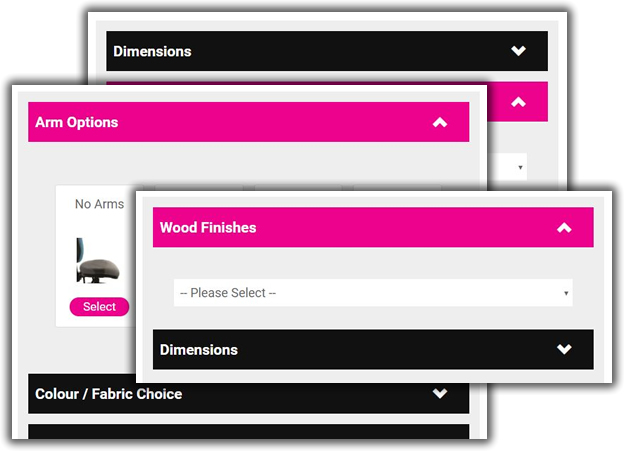
Once you have selected the options from the panel(s), you can select the quantity you require and click the "Get Quote" button.
Step 2. Reviewing Product(s) Selected
Click on "Your Quote" at the top of the website. Here you can see products you have added to your quotation and can alter the quantities if necessary.
Step 3. Submitting Your Quote Request
Finally click the button "Click Here to Get Your Quote" which takes you to a form where you add your contact and delivery information.
Once you have filled in all of the required information, click on "Request Quote". This will send your quotation request through to our sales team who will confirm pricing for the product(s) you have selected.
